
Capture
One-tap camera access, square framing, and reliable timestamp + GPS metadata. Voice notes transcribe on-device.
Professional photo reports for iOS
Capture photos with time and location, add notes or voice, and export a PDF report plus a ZIP/CSV file.
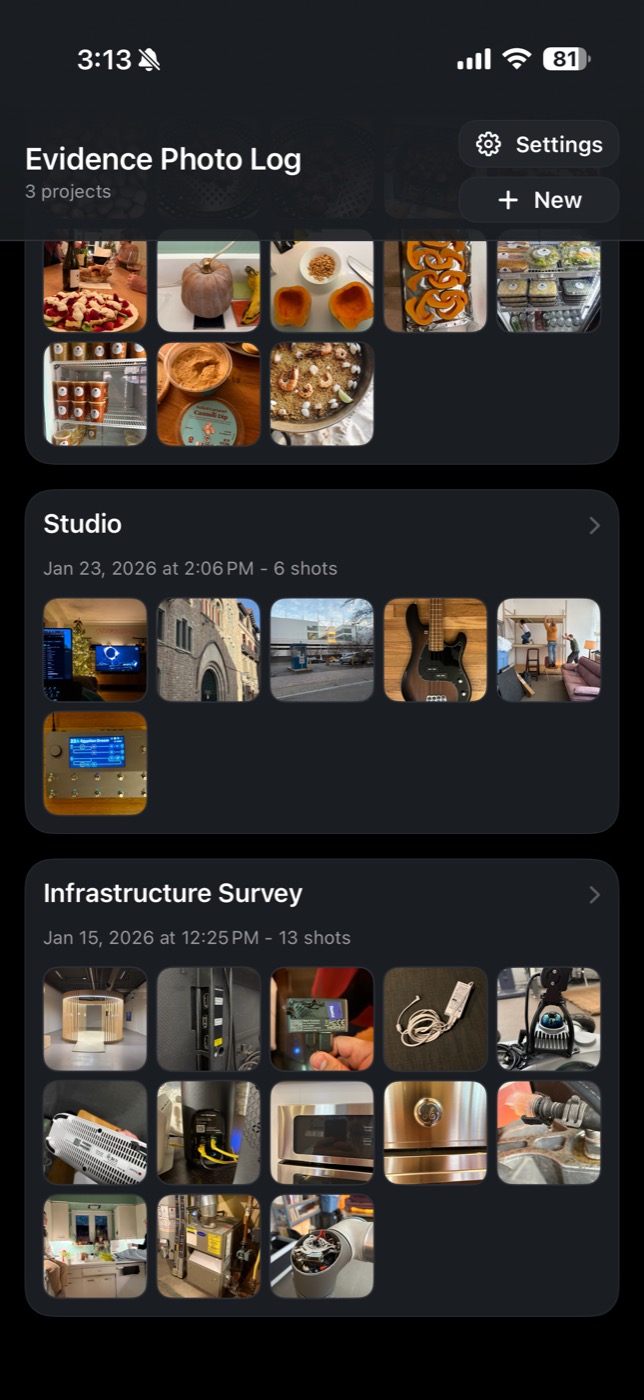
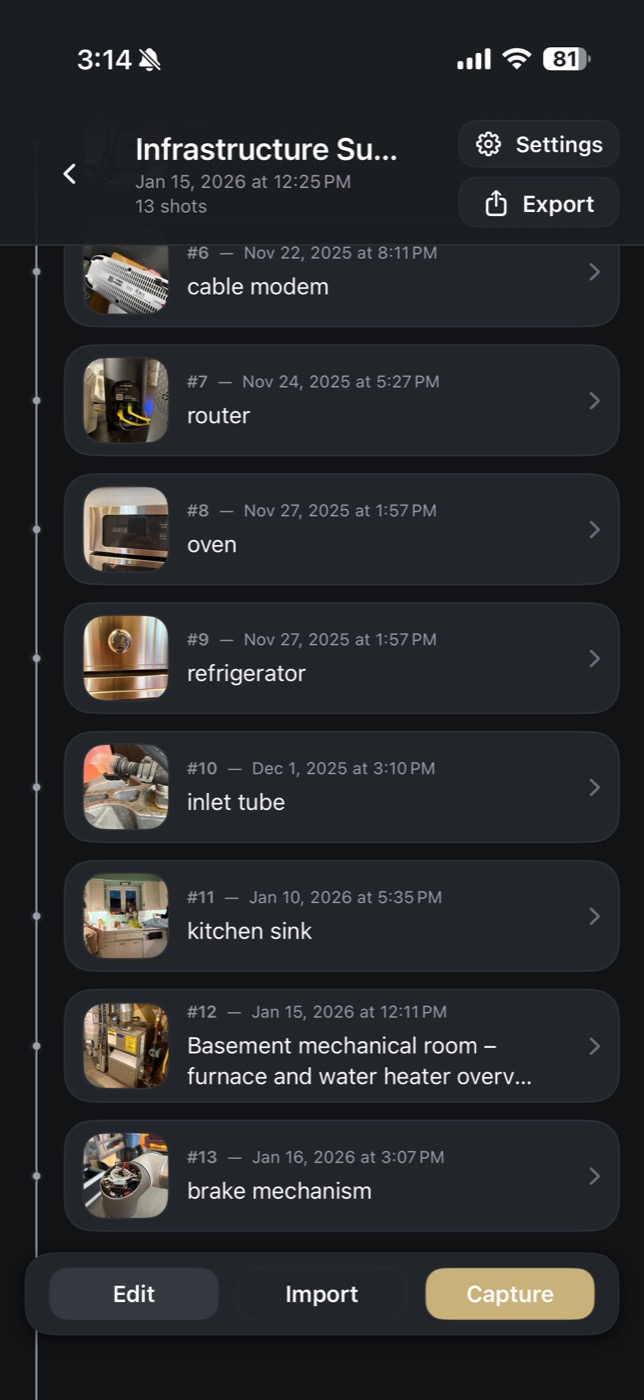
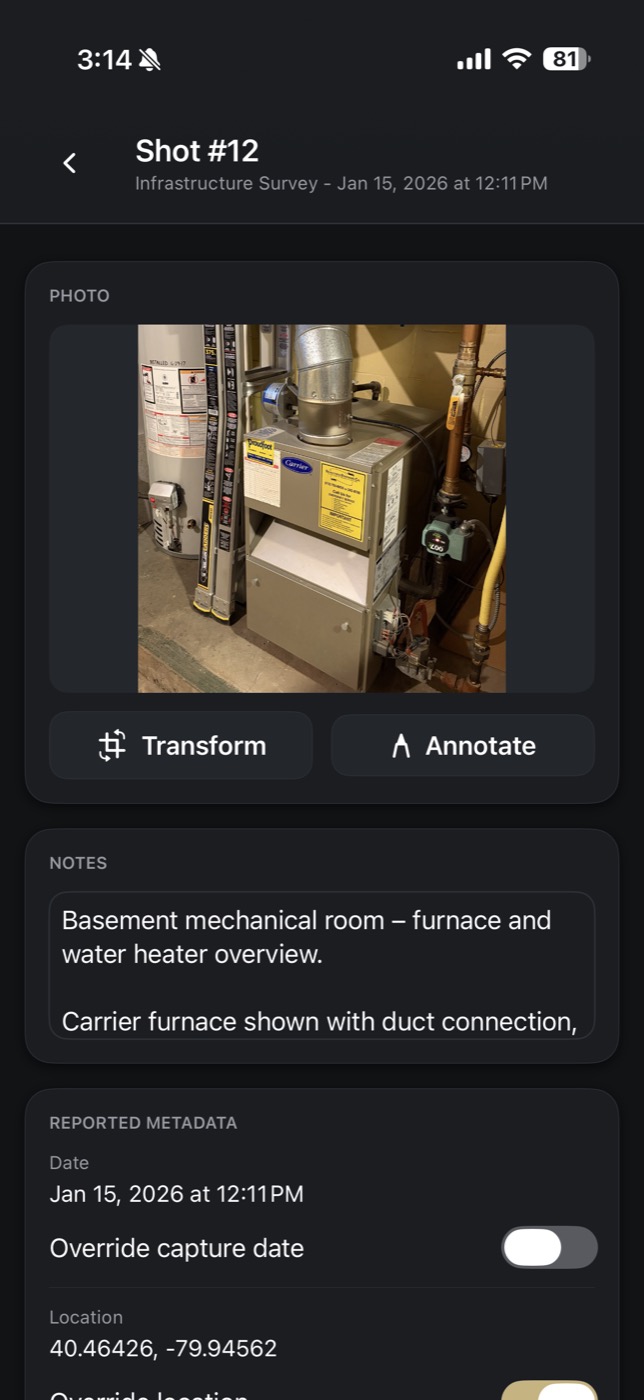
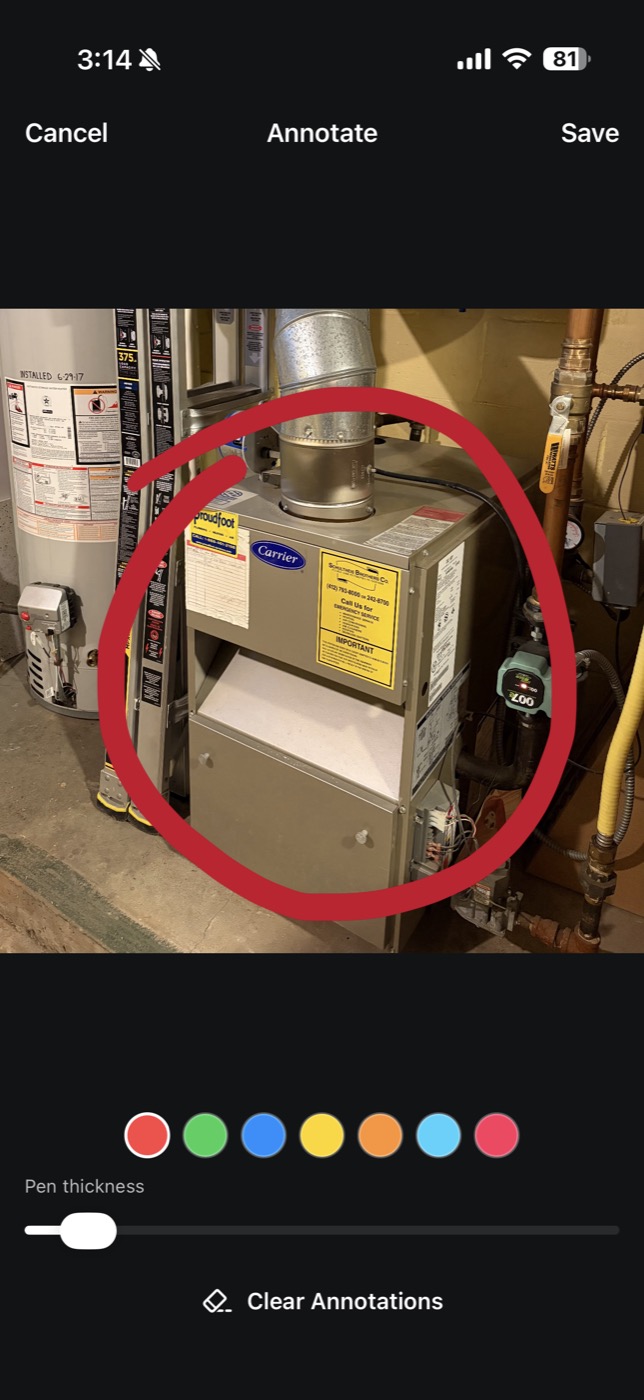
Capture -> Organize -> Export
One-tap camera access, square framing, and reliable timestamp + GPS metadata. Voice notes transcribe on-device.
Keep projects clean with a chronological timeline, quick edits, and manual ordering before export.
Generate a PDF report with structured metadata, plus ZIP/CSV files for sharing or archival.
Reports
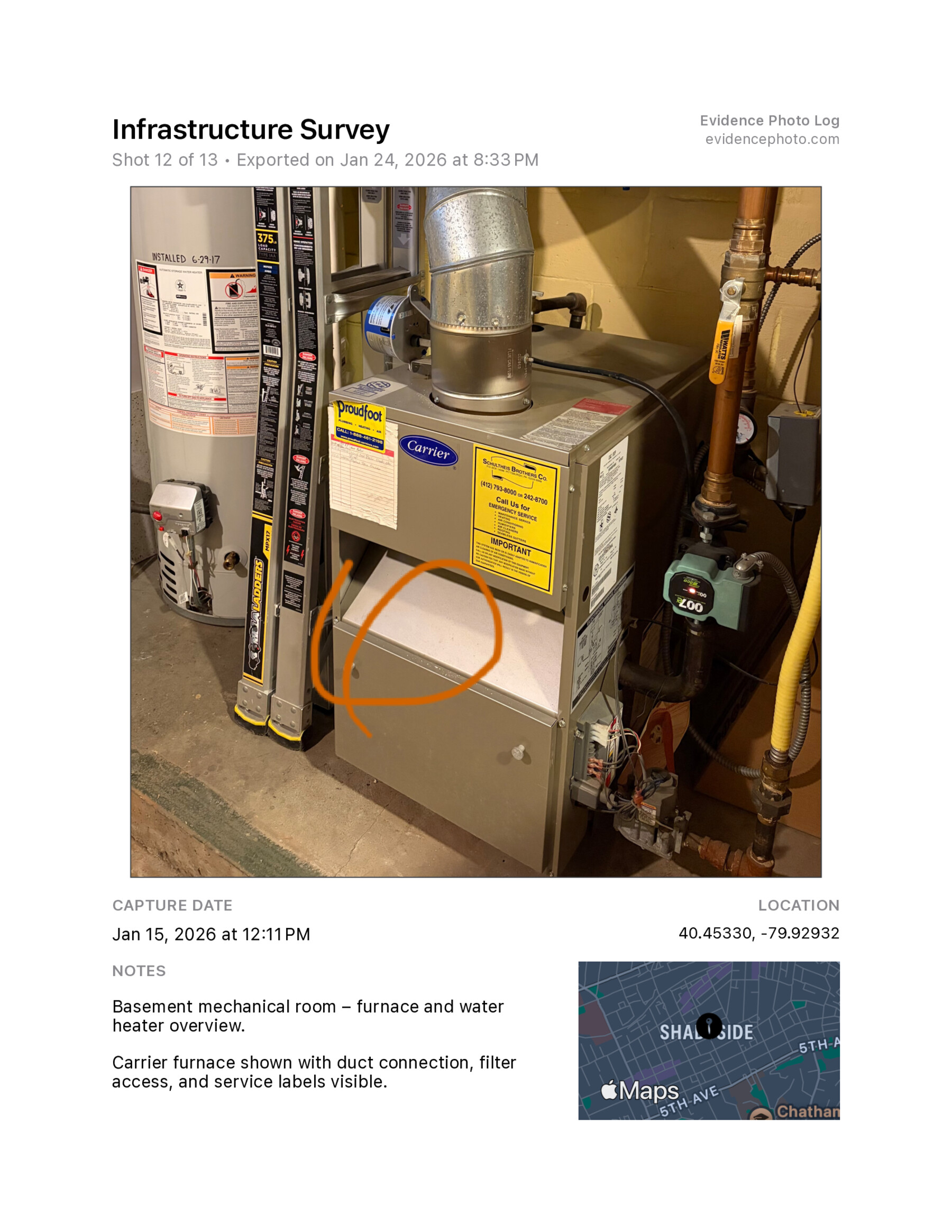
Each report keeps photos, time, location, and notes in a consistent layout. Export a PDF for sharing and a ZIP/CSV for archiving.
Use cases
Capture condition with date-stamped photos and share a clean report for records.
Document damage before cleanup and export a report for your adjuster.
Build before/after logs with notes and location data.
FAQ
No. Evidence Photo Log captures metadata and presents it clearly so you can document work, but it does not certify or guarantee legal admissibility.
Everything is stored locally on your device, with optional iCloud sync under your Apple ID. We do not operate a custom backend.
Yes. You can export a PDF report and a ZIP/CSV file for sharing.
Yes. Capture, edit, and report generation work fully offline. Map snapshots require connectivity.